

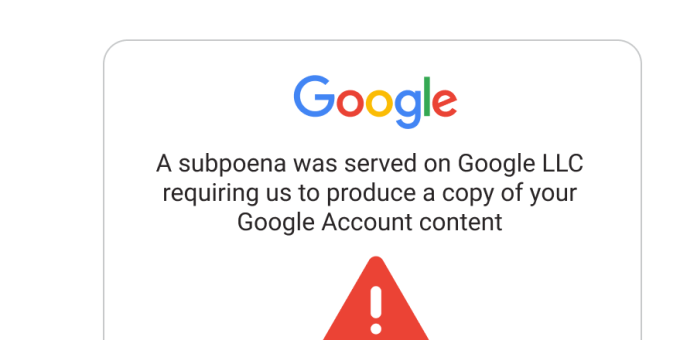
INDIANA – Google is alerting its nearly two billion Gmail users to a sophisticated new scam involving “no-reply” emails that appear to originate from no-reply@accounts.google.com. The malicious messages falsely claim that law enforcement has subpoenaed Google to release the user’s account data.
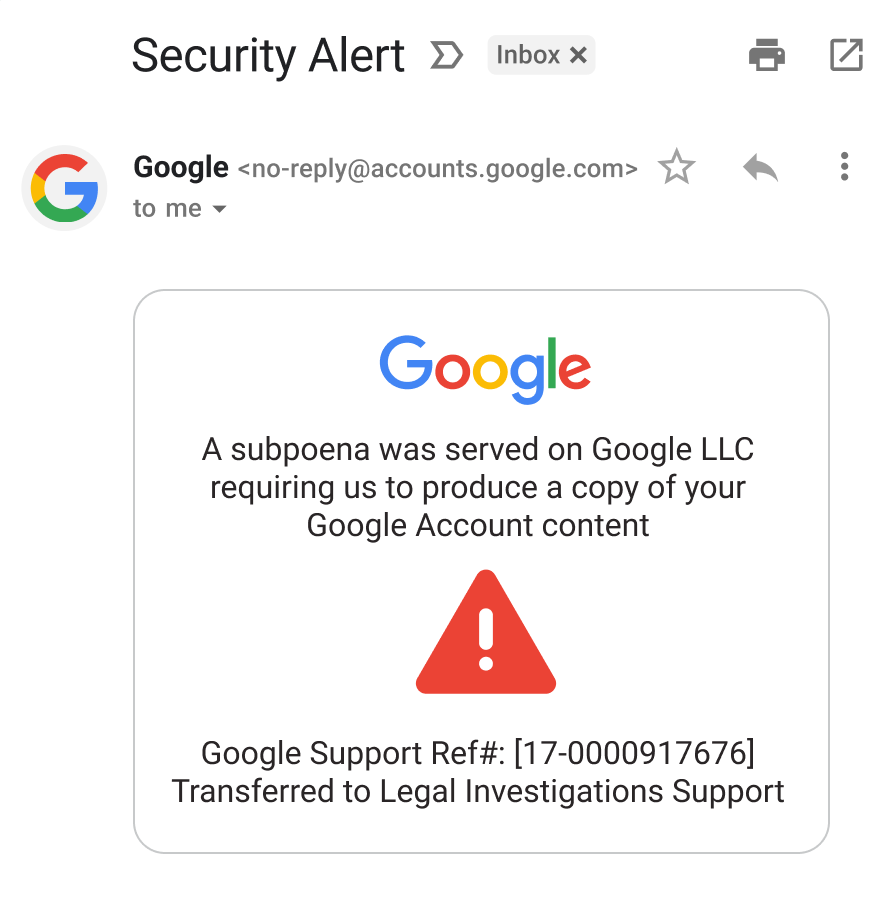
The scam email includes a link that seemingly directs users to a Google support page with details about the alleged legal case. However, Google officials confirm these emails are entirely fraudulent, designed by scammers to gain unauthorized access to personal information.
The attack is triggered when Gmail users click the provided link and subsequently download or approve permissions to view these phony legal documents. This action unwittingly grants scammers limited access to their Google accounts, potentially allowing them to read emails or access private files. In some instances, downloading the fake Google files can also infect the victim’s device with malware, a harmful software capable of stealing passwords and bank details, or even hijacking the device remotely.
According to a Google tech developer, this scam exploits Google’s systems, specifically the Google OAuth tool, which permits third-party apps to access Google accounts with user permission. Scammers create fake web addresses resembling Google’s, set up email accounts, and register a fraudulent app with Google. This app then sends a notification email that appears legitimate because it originates from Google’s system, but is forwarded to victims via a service that conceals the scam. The deceptive email includes a link to a fake Google Support page, hosted on Google’s sites.google.com, further enhancing its appearance of trustworthiness.
Upon clicking the link, users are led to a page resembling a genuine Google login screen. After signing in, they arrive at a fake webpage mimicking Google’s official support site, where they are tricked into granting permissions to the scammer’s app.
How to Protect Yourself:
The FBI advises users to immediately delete these messages and never click on suspicious links within emails. If unsure about an email’s legitimacy, navigate directly to Google’s official website (support.google.com) by typing the address into your browser, rather than clicking any embedded links.
Key indicators of a fraudulent email include:
- Suspicious Sender Addresses: Check the ‘to’ and ‘mailed-by’ fields in the email header. If they display unusual addresses, it’s a scam. Cybersecurity company Kaspersky notes these addresses often begin with ‘me.’ (e.g.,
me@googl-mail-smtp-out-198-142-125-38-prod.net). - Verify Identity: Before responding, independently research the originating number, organization, or person claiming to contact you. Call to verify their authenticity using independently identified contact information.
- Examine Correspondence Details: Carefully scrutinize email addresses, messaging contact information (including phone numbers), URLs, and spelling for subtle differences used by scammers.
- Spot AI Imperfections: Look for distorted hands or feet, unrealistic facial features, indistinct or irregular faces, unnatural accessories, inaccurate shadows, watermarks, voice call lag time, voice matching issues, and unnatural movements in images and videos.
- Listen to Tone and Word Choice: Pay close attention to tone and word choice to distinguish legitimate calls from AI-generated voice cloning, which can sound nearly identical.
- Limit Information Sharing: Never share sensitive information or an associate’s contact information with individuals met only online or over the phone.
- Do Not Send Money: Never send money, gift cards, cryptocurrency, or other assets to unknown individuals or those met only online or over the phone.
Google is also recommending that its users consider switching from two-factor authentication to passkeys, a passwordless, phishing-resistant technology that uses cryptographic keys and biometric authentication (fingerprint, face scan, or PIN). Tech giants like Microsoft argue that passkeys are now more secure than traditional two-factor authentication