

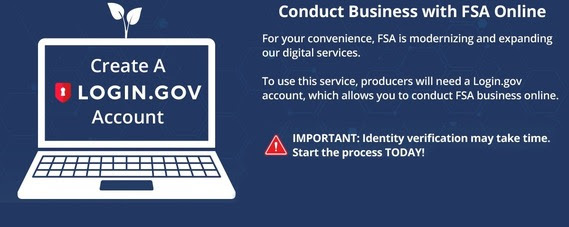
INDIANA — The Farm Service Agency (FSA) is modernizing its digital footprint, announcing an expansion of online services designed to make conducting business more efficient for agricultural producers. To access these enhanced tools, the agency is now requiring producers to utilize Login.gov.
As the “public’s one account for government,” Login.gov provides a single, secure set of credentials that allows users to interact with multiple participating federal agencies, including the USDA, without maintaining separate passwords.
Getting Started: The Three-Step Process
Creating an account is the gateway to the farmers.gov portal. To get started, producers should follow these steps:
- Create Your Account: Visit farmers.gov/account to sign up.
- Verify Your Identity: Complete the secure identity verification process.
- Link Your Record: Connect your new login to your existing FSA customer record.
Managing Your Customer Record
For long-time partners, the system is designed to automatically link your Login.gov account to your existing FSA record (often referred to as a Business Partner ID or BPID).
If you do not have a prior record, the portal will guide you through an online form to establish an FSA Customer Record immediately after your identity is verified.
Once the account is active, producers can bypass the trip to the local office and use a laptop or mobile device to:
- View current applications.
- Certify and submit new applications.
- Track the real-time status of applications and pending payments.
For technical support during the setup process, visit the Login.gov Help Center. For a full list of digital services, producers can consult the Your Farmers.gov Account Fact Sheet available online.